Google’s December Pixel Drop Brings Fresh Features and Fun Updates
Google’s December Pixel Drop is rolling out, and it’s packed with updates designed to make Pixel devices even more useful and enjoyable. With AI improvements, photo-sharing shortcuts, and better security features, there’s plenty to like here—even for your inner tech skeptic.
Gemini Gets Personal
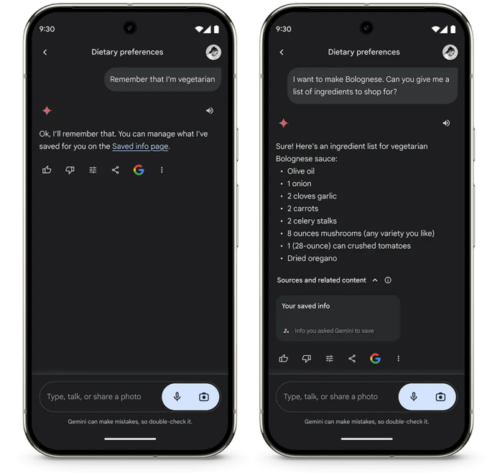
Your AI, Your Rules: Gemini Advanced now lets you save preferences, like dietary restrictions, so you don’t have to remind it every time. Vegetarian? Gemini will skip the steak recipes and serve up veggie-friendly options. Don’t worry—you can edit or delete anything it remembers if Gemini starts acting like your nosy neighbor.
App Integration Made Easy: Now you can boss Gemini around to make calls, send texts, or even take a selfie. And with a new Spotify extension, it’s ready to DJ your life. Coming soon: Gemini will lend a hand with smart home controls and Maps info. It might not be a butler, but it’s getting close.
More Languages for Gemini Live: Speak your language? Gemini probably does, too, now in even more tongues.
Smarter Call Screening
AI to the Rescue: Gemini Nano takes Call Screen up a notch by suggesting quick replies for unknown callers. For package deliveries, it can handle yes-or-no questions so you can stay on the couch.
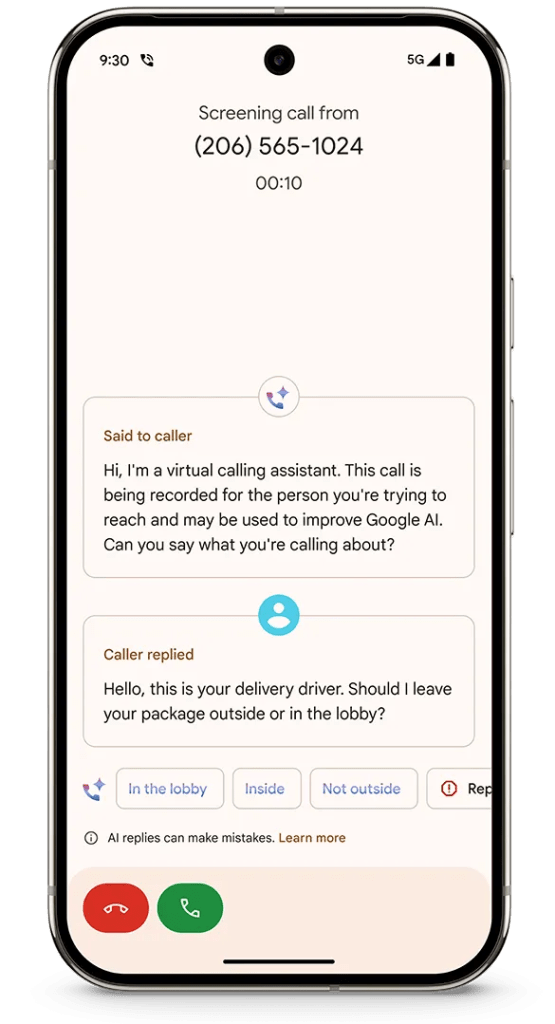
Live Peek: See live transcripts of your AI-powered call screening. If it turns out to be your long-lost uncle or a persistent telemarketer, you can swoop in or decline accordingly.
Camera and Social Upgrades
Sharing Gets Snappier: Ultra HDR photos now go straight from your Pixel to Instagram, showcasing all the colors and details you captured (and probably filtered).
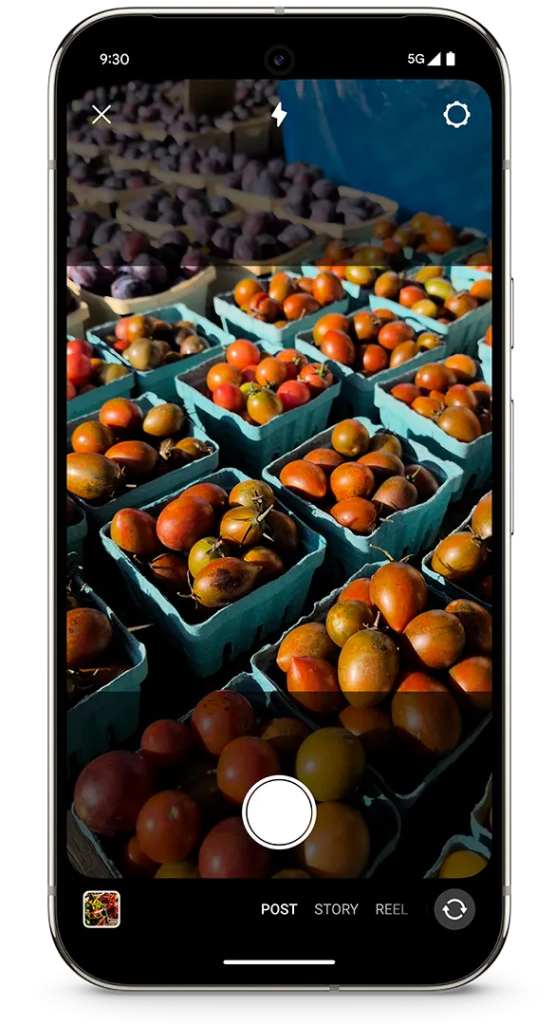
Snapchat Shortcuts: A streamlined Photo Picker puts your best shots at your fingertips. No more scrolling endlessly to find that one perfect meme-worthy photo.
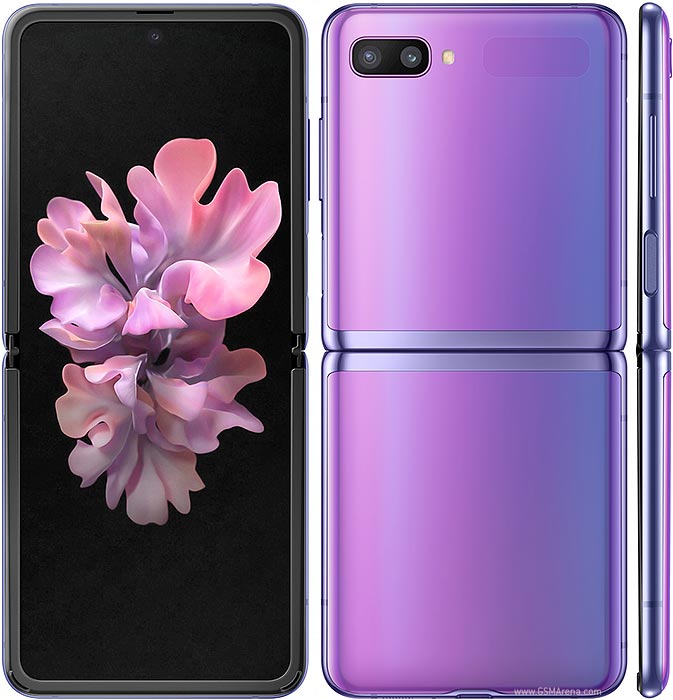
Portraits Made Simple: The Pixel Fold and Pixel 9 Pro Fold offer Dual Screen Portrait Mode so both you and your subject can check the shot before you snap. No more “one more, just in case” excuses.
Made You Look Magic: Fun animations help grab attention for the perfect kid-friendly photo op. For Pixel 9 Pro Fold users, Joy from Inside Out joins the lineup. Smiles all around!
Tools to Keep You Organized
Screenshots with Purpose: Save gift ideas or to-do lists with Pixel Screenshots. They now auto-organize and offer helpful actions, like adding calendar invites or getting directions. Lost screenshots are a thing of the past.
Wallet Integration: Tickets or credit cards from your screenshots can be added directly to Google Wallet. No more fumbling at the gate.
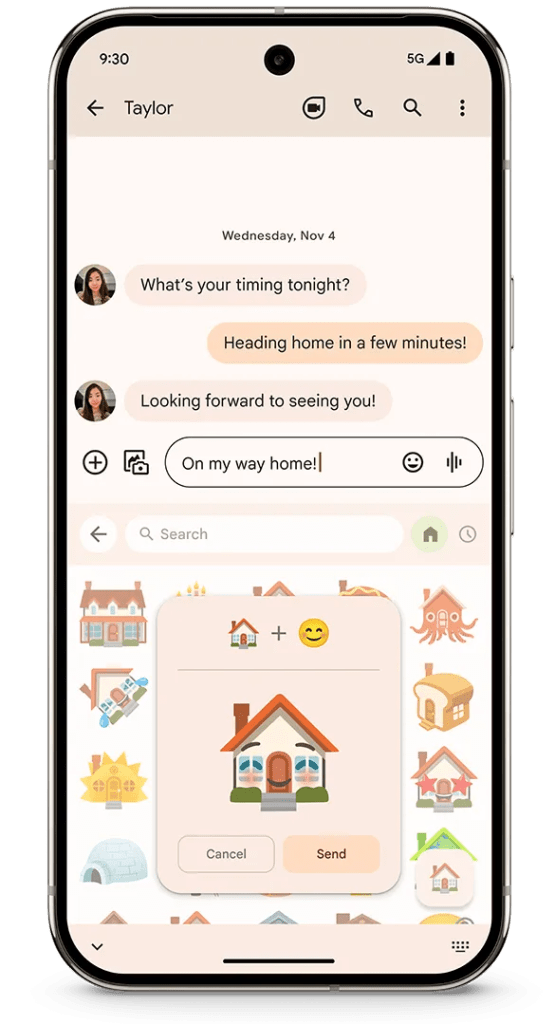
Emoji Madness: Gboard’s Emoji Kitchen lets you cook up odd and hilarious emoji combos with new, easier navigation. It’s like a buffet for your texts.
Safety and Security
Travel-Friendly Protection: Identity Check, now in beta, adds an extra layer of security by requiring your face or fingerprint for sensitive changes. It’s like your phone giving side-eye to would-be thieves.
VPN on Tablets: Google’s free VPN expands to Pixel Tablets, keeping your data safe on sketchy public Wi-Fi.
Wearable Wins
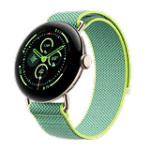
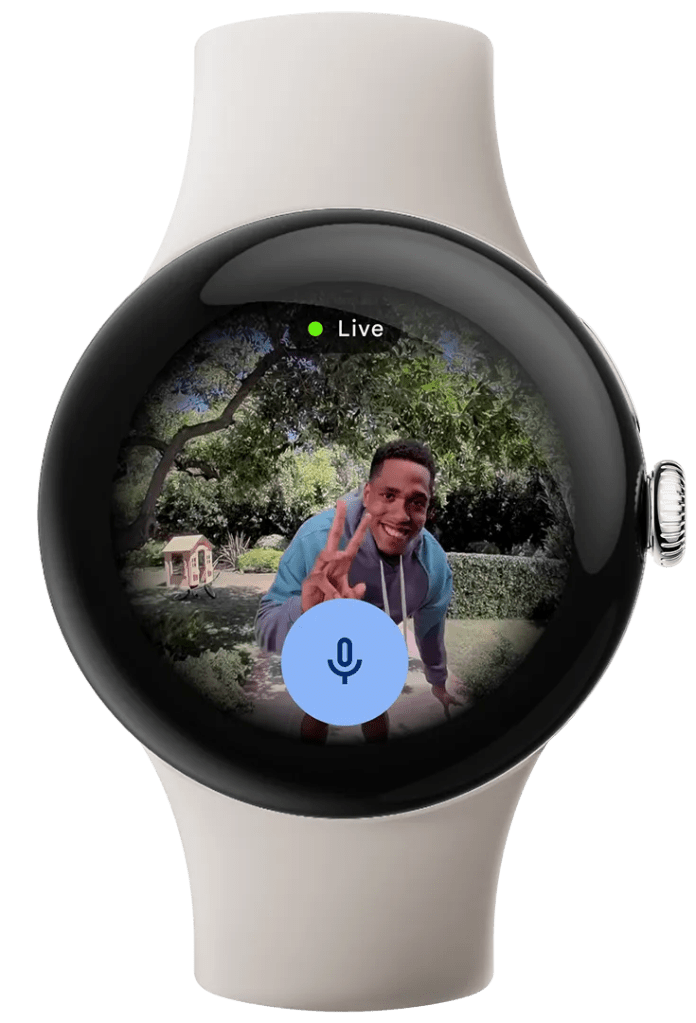
Nest on Your Wrist: Pixel Watch 2 lets you see Nest Cam footage and chat with visitors straight from your wrist. The future is now, and it’s convenient.
Health Upgrades: Advanced health metrics, previously exclusive to the Pixel Watch 3, are rolling out to older Pixel Watches and Fitbit devices. Knowing when to chill or push harder during workouts has never been easier—or more stylish.
The December Pixel Drop is already making its way to devices, so watch for those updates. Whether it’s smarter calls, better photos, or a more secure setup, there’s plenty to keep your Pixel feeling fresh and helpful.
Related
Source